

How to buy Tariff Emperor (关税之王) in Martinique
Simple 3-step guide to buying 关税之王 today in Martinique
Step 1: Create a free account on the Bitget website or the app
Step 2: Place an order for Tariff Emperor using a payment method of your choice:
Buy Tariff Emperor with a debit/credit card
For Visa or Mastercard, select Credit/Debit card, then click Add New Card under the "Buy" tab Credit/Debit in the Buy Crypto tab of the Bitget app
 Credit/Debit in the Buy Crypto tab of the Bitget websiteSelect your preferred fiat currency, enter the amount you wish to spend, link your credit card, and then complete your payment with zero fees.
 Add a new card to complete your payment on the Bitget app
 Enter your bank card details to complete your payment on the Bitget websiteFor Diners Club/Discover card, click Buy Crypto > [Third Party] in the top navigation bar to place your Tariff Emperor order.
 How to buy crypto with credit/debit card
Buy Tariff Emperor with Google Pay or Apple Pay
Converting your Google Pay and Apple Pay balance into Tariff Emperor is easy and secure on Bitget. Simply click Buy Crypto > [Third Party] in the top navigation bar to place your Tariff Emperor order.How to buy crypto via third-party gatewayBuy with bank transfer
We accept various payment methods, including iDeal and SEPA for EUR, PIX for BRL, PayID for AUD, UPI for INR, QRIS, DANA, and OVO for IDR, SPEI for MXN, and GCash for PHP. These services are facilitated by Alchemy Pay, Banxa, Mercuryo, and Simplex payment gateways. Simply select Buy Crypto > [Third Party] in the top navigation bar and select a fiat currency to place your Tariff Emperor order.Buy Tariff Emperor with the fiat balance in your Bitget account
You can Deposit fiat funds using Advcash, SEPA, Faster Payments, or PIX payment gateways to top up your Bitget fiat balance. Then, click Buy Crypto > [Cash conversion] in the top navigation bar to place your Tariff Emperor order.P2P trading
With Bitget P2P, you can buy crypto using over 100 payment methods, including bank transfers, cash, and e-wallets like Payeer, Zelle, Perfect Money, Advcash, and Wise. Simply place an order, pay the seller, and receive your crypto. Enjoy secure transactions with escrow protection.How to buy crypto on Bitget P2P
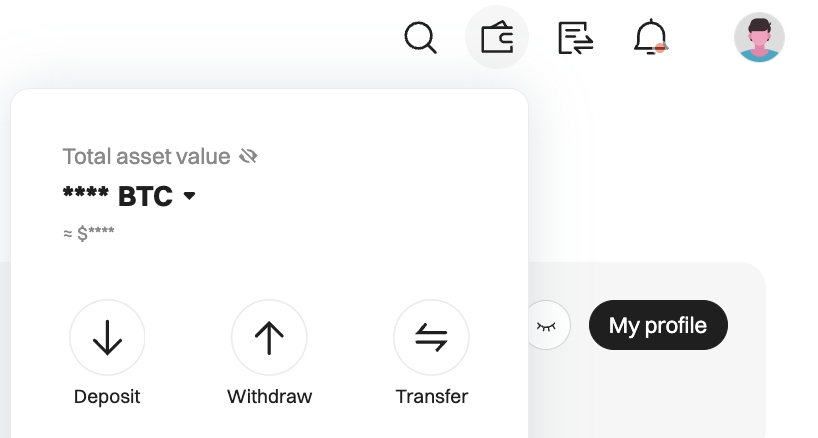
Step 3: Monitor Tariff Emperor in your Bitget spot wallet
Latest Tariff Emperor news
View moreBitget—where the world trades Tariff Emperor




FAQ
Can I buy $1 worth of Tariff Emperor?
Can I buy $10 of Tariff Emperor?
Where else can I buy Tariff Emperor?
Where is the best place to buy Tariff Emperor?
Should I buy Tariff Emperor right now?
Buy Tariff Emperor in a different country
Martinique is an overseas region of France that lies in the eastern part of the Caribbean Sea. The region covers a total area of 1,128 km2 and is populated by 364,508 people. Like many other overseas departments of France, Martinique has French as the official language and uses Euro (EUR) as the official currency.
Located in the Caribbean Sea, the region has its fair share of volcanoes and mountains, but most mountains are in the northern part like Dominica Channel, Mont Pelée, Morne Jacob, and the Pitons du Carbet, while the southern part is flatter with beautiful beaches in Pointe de Bout, Diamant, and St. Luce. As long as you are in Martinique, you can easily buy Tariff Emperor(关税之王) with Bitget. The exchange provides several secure payment options to facilitate crypto trading, including P2P trading, crypto deposits, and other third-party merchants such as Apple Pay, Google Pay, and different credit card services.